
Matter Smart Home Devices in 2026: Your Complete Setup Guide
Matter smart home devices are wireless products built on the universal Matter connectivity standard, allowing them to work seamlessly across Apple Home, Google Home, Amazon Alexa, and Samsung SmartThings without proprietary lock-in. If you're wondering whether to invest in Matter in 2026, the answer is straightforward: yes. With the release of Matter 1.4 and broad adoption across major manufacturers, building a cross-brand smart home has never been easier or more reliable. This complete setup guide explains exactly what Matter is, how it works with Thread networking, which devices to buy, and how to configure everything step by step.
Table of Contents
- Table of Contents
- What Are Matter Smart Home Devices?
- How Matter Smart Home Devices Work
- Key Features and Benefits of Matter Smart Home Devices
- Best Matter Compatible Devices 2026
- How to Set Up Your Matter Smart Home
- Common Issues and Solutions
- The Future of Matter and Thread Networking
- Frequently Asked Questions
- Conclusion
- Sources
Whether you're upgrading an existing setup or starting fresh, this guide gives you the technical knowledge and practical steps to create a fast, secure, and future-proof smart home that works the way you expect it to.
What Are Matter Smart Home Devices?
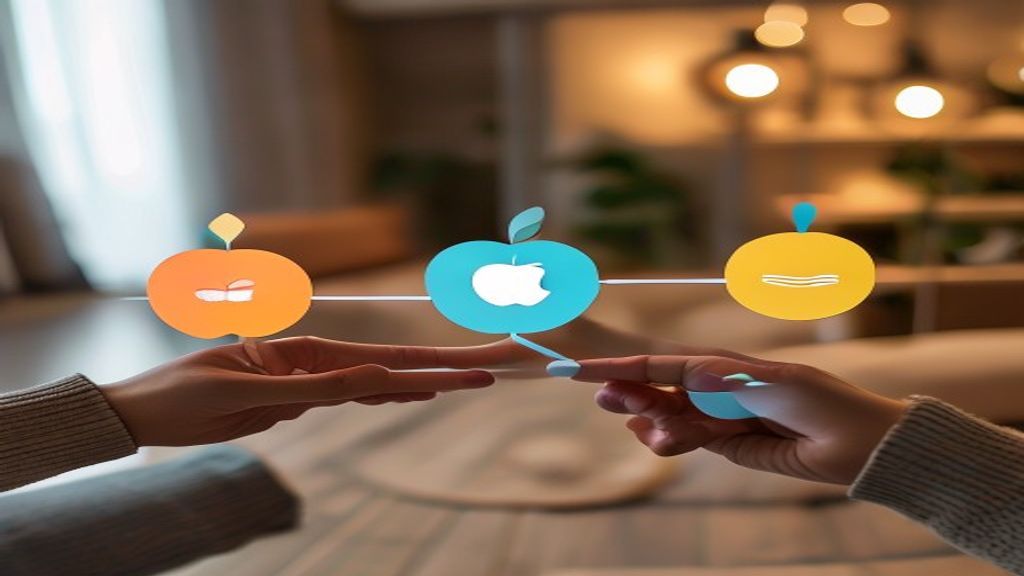
Matter smart home devices are products that comply with the Matter standard, an open-source connectivity protocol developed by the Connectivity Standards Alliance (CSA). Backed by Apple, Google, Amazon, Samsung, and over 550 member companies, Matter solves the biggest frustration in home automation: fragmentation.
Definition: Matter is an application-layer, IP-based smart home standard that enables devices from different brands to communicate over a common language, regardless of the ecosystem controlling them.
Before Matter, a smart bulb built for Apple HomeKit often wouldn't work with Google Assistant, and a Zigbee sensor might require its own dedicated hub. Matter eliminates these silos by establishing a shared protocol that runs across Wi-Fi, Ethernet, and Thread networking.
Why Matter Matters in 2026
By 2026, Matter has matured significantly. The latest specification, Matter 1.4, expanded device categories to include solar panels, heat pumps, water heaters, and battery storage systems. This makes Matter not just a convenience standard but a foundation for whole-home energy management. True cross-brand smart home interoperability is now the default expectation rather than a marketing promise.
Matter vs. Older Standards
- Zigbee/Z-Wave: Reliable but require dedicated proprietary hubs and offer limited cross-platform support.
- Wi-Fi-only devices: Easy to set up but congest networks and rarely interoperate across ecosystems.
- Matter: Combines IP-based networking, local control, and universal compatibility in one open standard.
How Matter Smart Home Devices Work
Understanding how matter smart home devices work requires looking at three layers: the transport network, the controllers, and the security framework. Matter is intentionally designed to operate locally, meaning many commands execute on your home network without routing through the cloud.
1. Transport Layer: Wi-Fi, Ethernet, and Thread
Matter devices connect using one of three transport technologies:
- Wi-Fi: Best for high-bandwidth devices like security cameras and smart displays.
- Ethernet: Used by hubs, bridges, and controllers for rock-solid stability.
- Thread: A low-power mesh network ideal for battery-operated sensors, locks, and bulbs.
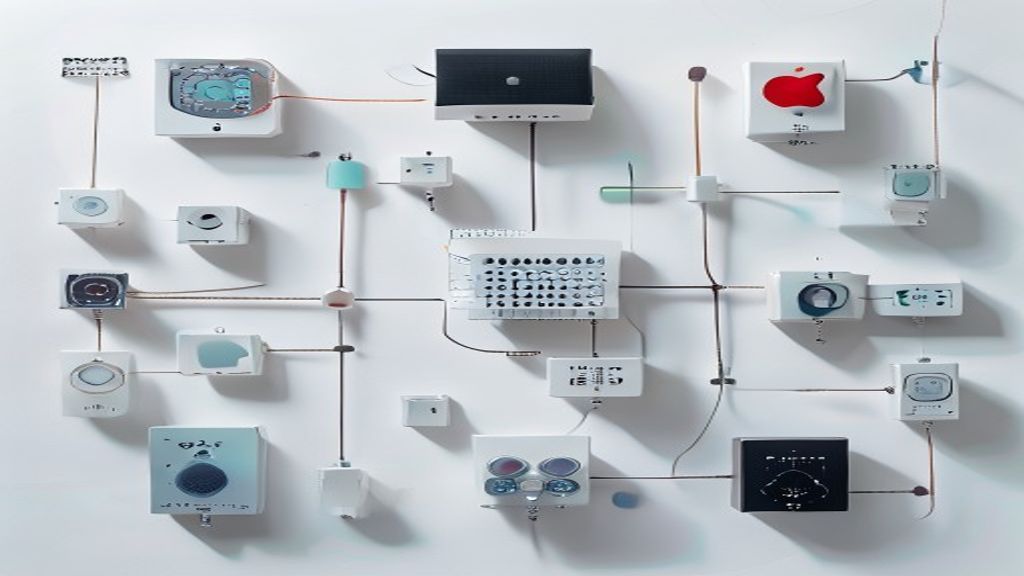
Thread networking smart home setups are particularly important because Thread creates a self-healing mesh. Each mains-powered Thread device acts as a router, extending range and reliability. A Thread Border Router—built into devices like the Apple HomePod mini, Google Nest Hub (2nd gen), and Amazon Echo (4th gen)—bridges the Thread mesh to your main IP network.
2. Controllers and the Multi-Admin Feature
A controller is the app or hub that commissions and manages devices. Matter's standout feature is multi-admin, which lets a single device be controlled by multiple ecosystems simultaneously. For example, one Matter light bulb can respond to Siri, Google Assistant, and Alexa at the same time—a true breakthrough in cross-brand smart home interoperability.
3. Security and Commissioning
Every Matter device ships with a Device Attestation Certificate (DAC), verifying it's a genuine certified product. Setup uses a QR code or 11-digit numeric code, and all communication is encrypted end-to-end using AES-128 and public-key cryptography. This local-first, secure-by-design architecture is one reason Matter is trusted by the National Institute of Standards and Technology (NIST) framework principles for IoT security.
Key Features and Benefits of Matter Smart Home Devices
Investing in matter smart home devices delivers tangible advantages over legacy and proprietary systems. Here are the primary benefits:
- Universal compatibility: Buy any Matter-certified device and know it will work with your existing ecosystem.
- Local control: Commands execute on your network, reducing latency and keeping your home functional even during internet outages.
- Enhanced privacy: Less data is sent to the cloud, improving security and reducing your digital footprint.
- Future-proofing: A standard backed by 550+ companies protects your investment against obsolescence.
- Simplified shopping: Look for the Matter logo instead of decoding compatibility charts.
- Thread reliability: Self-healing mesh networks reduce dead zones and dropped connections.
- Energy management: Matter 1.4 devices now include EV chargers, solar inverters, and smart thermostats for unified energy control.
For homeowners building from scratch, these benefits translate into a smoother experience. Check our guide to choosing your first smart home ecosystem for help deciding where to start.
Best Matter Compatible Devices 2026
The selection of matter compatible devices 2026 has expanded dramatically. Below is a comparison table of leading products across key categories, including their connectivity type and standout features.
| Device | Category | Connectivity | Standout Feature | Approx. Price |
|---|---|---|---|---|
| Aqara Hub M3 | Hub / Border Router | Thread, Wi-Fi, Ethernet | Matter bridge for legacy Zigbee devices | $130 |
| Nanoleaf Essentials A19 | Smart Bulb | Thread | 16M colors, low-power mesh node | $20 |
| Eve Energy (Matter) | Smart Plug | Thread | Built-in energy monitoring | $40 |
| Aqara Smart Lock U200 | Door Lock | Thread | Apple Home Key + fingerprint | $260 |
| Ecobee Smart Thermostat Premium | Thermostat | Wi-Fi (Matter) | Built-in air quality sensor | $250 |
| Apple HomePod mini | Hub / Speaker | Thread Border Router, Wi-Fi | Native Siri + Thread routing | $99 |
| SwitchBot Hub 2 | Controller / Bridge | Wi-Fi, Bluetooth | Brings infrared devices into Matter | $70 |
When choosing matter 1.4 devices, prioritize Thread-enabled products for battery-powered items and ensure you have at least one Thread Border Router in your home. For a deeper breakdown, see our best Thread Border Routers review.
How to Set Up Your Matter Smart Home
A successful matter smart home setup follows a logical sequence. Follow these steps to commission your devices correctly the first time.
Step 1: Confirm Your Infrastructure
Ensure you have a controller hub that supports Matter. This could be an Apple HomePod, Google Nest Hub, Amazon Echo, or Samsung SmartThings Station. For Thread networking smart home devices, verify your hub includes a Thread Border Router.
Step 2: Update Everything
Update your hub firmware and companion apps (Apple Home, Google Home, Alexa, or SmartThings) to the latest versions. Outdated software is the most common cause of failed commissioning.
Step 3: Scan the Matter QR Code
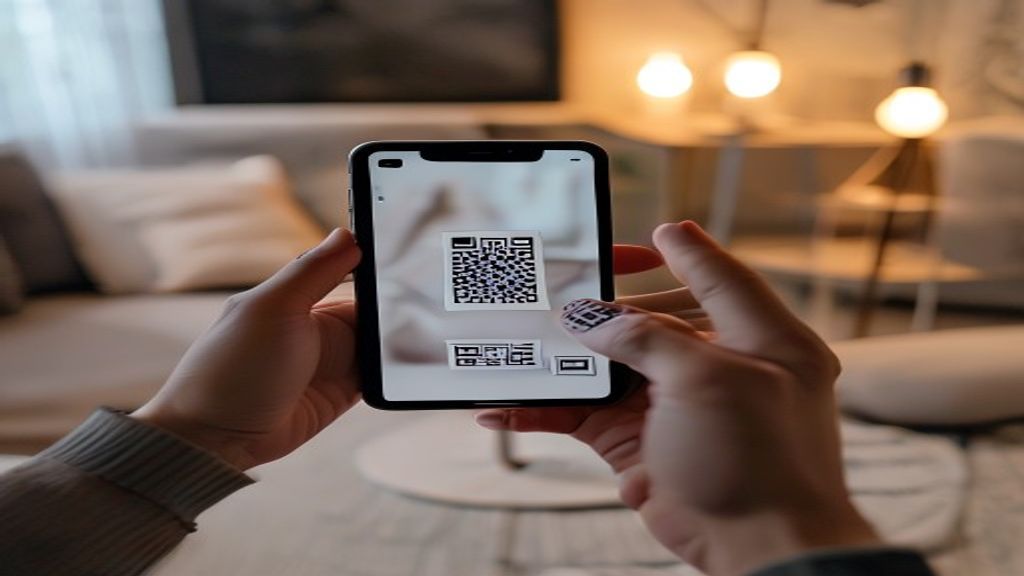
Open your preferred app and select "Add Device." Scan the Matter QR code printed on the device or its packaging. The app will detect it as a Matter accessory and begin commissioning automatically.
Step 4: Assign Rooms and Names
Place each device in a logical room (e.g., "Living Room Lamp") so voice assistants can execute room-based commands accurately.
Step 5: Enable Multi-Admin (Optional)
To control a device from multiple ecosystems, generate a new pairing code within your primary app's settings, then add the device to your secondary ecosystem using that code. This unlocks full cross-brand smart home interoperability.
Step 6: Build Automations
Create routines such as "Goodnight" to lock doors, turn off lights, and lower the thermostat with a single command. For advanced scenes, explore our smart home automation ideas guide.
Common Issues and Solutions
Even with a streamlined standard, occasional hiccups occur. Here are the most frequent problems with matter smart home devices and how to fix them.
Device Won't Commission
Ensure your phone, hub, and the new device are on the same network and physically close together during setup. Disable VPNs and confirm your router isn't isolating IoT devices on a separate VLAN that blocks discovery.
Thread Device Keeps Disconnecting
A weak Thread mesh is usually the culprit. Add a mains-powered Thread device (like a smart plug) between your hub and the disconnecting device to extend the mesh. Avoid having only one Thread Border Router for a large home.
Multi-Admin Pairing Fails
Some early devices support a limited number of ecosystem fabrics. Remove an unused ecosystem before adding a new one, and ensure all hubs are updated.
Slow Response Times
Network congestion from too many Wi-Fi devices can cause lag. Migrate compatible devices to Thread, and place your router centrally. The FCC provides guidance on managing home wireless interference if Wi-Fi performance remains poor.
QR Code Won't Scan
Use the 11-digit manual setup code instead. Most apps offer a "Enter code manually" option directly below the camera viewfinder.
The Future of Matter and Thread Networking
The trajectory for Matter through 2026 and beyond is defined by deeper energy integration, AI-driven automation, and expanded device categories. Matter 1.4 already introduced support for distributed energy resources, and future releases are expected to add cameras, doorbells, and richer ambient sensing.
AI-Powered Automation
Voice assistants are evolving into proactive AI agents. Instead of rigid "if-this-then-that" rules, AI models analyze your routines and suggest automations—for example, learning that you lower the thermostat at 10 PM and offering to automate it. Because Matter provides standardized device data, these AI systems can reason across brands seamlessly.
Thread 1.4 and Improved Mesh
The Thread networking smart home backbone continues to improve, with Thread 1.4 introducing simplified credential sharing across border routers from different vendors. This means an Apple and a Google border router can now form a single unified Thread network in your home.
Energy and Sustainability
With Matter 1.4 devices managing solar, storage, and EV charging, the smart home is becoming a node in the broader smart grid. Expect utilities to offer Matter-based demand-response programs that automatically optimize energy use during peak pricing.
To stay ahead of these trends, bookmark our smart home technology news hub.
Frequently Asked Questions
What are Matter smart home devices?
Matter smart home devices are products built on the open Matter connectivity standard, enabling them to work across Apple Home, Google Home, Amazon Alexa, and Samsung SmartThings without proprietary lock-in. They communicate over Wi-Fi, Ethernet, or Thread for reliable, local control.
Do I need a hub for a Matter smart home setup?
Yes, most matter smart home setups require a controller hub such as an Apple HomePod, Google Nest Hub, Amazon Echo, or SmartThings Station. For Thread-based devices, your hub must also include a Thread Border Router to bridge the mesh network to your home Wi-Fi.
What is the difference between Matter and Thread?
Matter is the application-layer standard that defines how devices communicate and interoperate, while Thread is a low-power wireless mesh networking technology that transports that communication. Many Matter devices use Thread networking, but Matter also works over Wi-Fi and Ethernet.
Are Matter 1.4 devices backward compatible?
Yes. Matter is designed to be backward compatible, so matter 1.4 devices work alongside earlier Matter products. Older controllers may need firmware updates to support newer device categories like energy management hardware.
Can one device be controlled by multiple ecosystems?
Absolutely. Matter's multi-admin feature enables true cross-brand smart home interoperability, allowing a single device to be controlled simultaneously by Siri, Google Assistant, and Alexa. You generate a new pairing code in your primary app to add the device to additional ecosystems.
Will my old Zigbee and Z-Wave devices work with Matter?
Not directly, but you can use a Matter bridge—such as the Aqara Hub M3 or SmartThings Station—to expose your existing Zigbee and Z-Wave devices to a Matter network, preserving your prior investment.
Conclusion
In 2026, matter smart home devices have delivered on their original promise: a unified, secure, and brand-agnostic ecosystem that puts homeowners back in control. With mature Thread networking, the powerful multi-admin feature, and expanded Matter 1.4 device categories, there has never been a better time to build or upgrade your connected home. By choosing certified products, ensuring you have a Thread Border Router, and following the setup steps in this guide, you'll enjoy a faster, more private, and future-proof smart home.
Ready to get started? Begin by auditing your current devices and identifying one Matter-certified hub to anchor your network. Then explore our curated list of the best starter Matter kits and start building your dream smart home today. Subscribe to our newsletter for the latest Matter device reviews and setup tips delivered straight to your inbox.
Sources
Related Reading
- Edge AI Home Security: The Complete Guide to On-Device Intelligence in 2026
- Automate Lights with Motion Sensors: Step-by-Step Guide for Smart Home Setup