Is Your Smart Home Actually Secure? A 2026 Guide to Not Getting Hacked
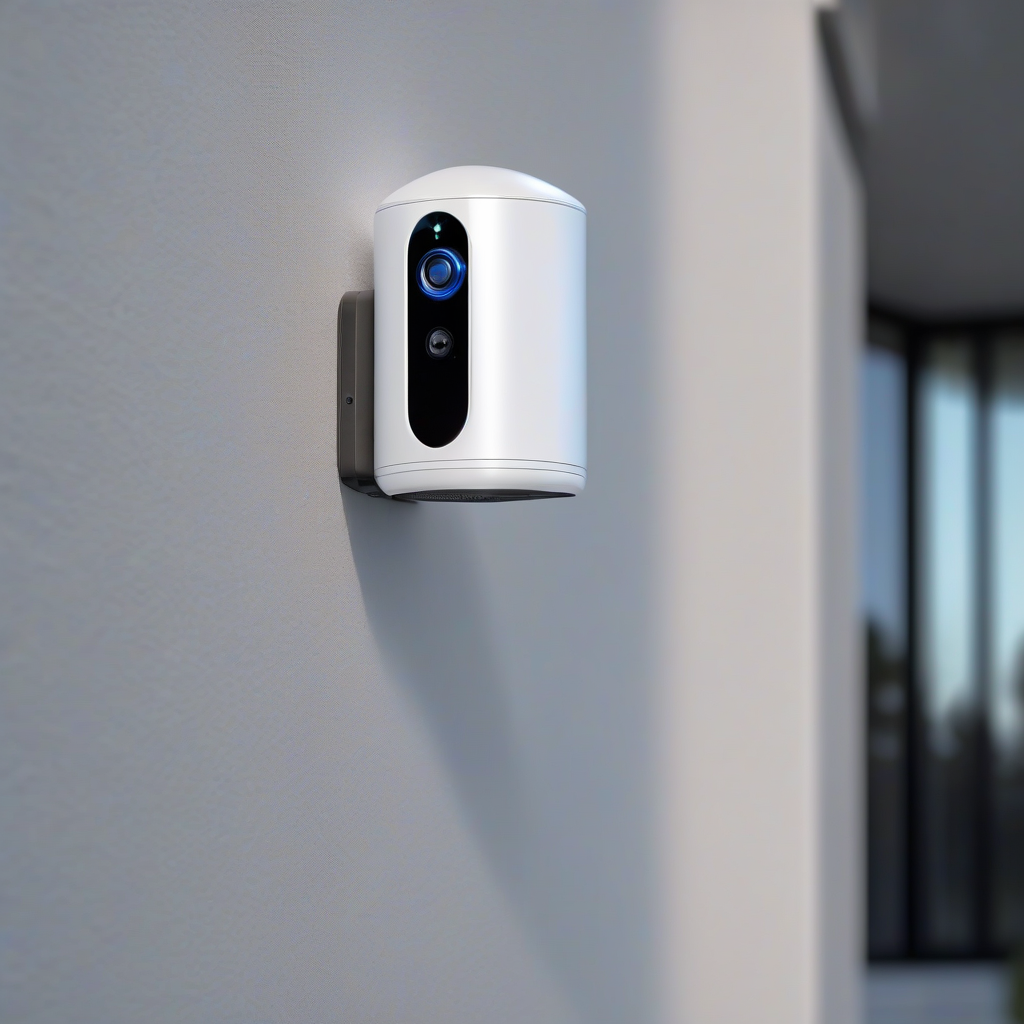
You probably didn’t realize it, but your home is now a network of twenty or more miniature computers. Your fridge, your light bulbs, your thermostat—they all have IP addresses. In 2026, the average household is packed with connected devices. It’s incredibly convenient until you realize that every single one of those devices is a potential open window for a hacker.
The problem is that most of us treat smart home setup like we treat IKEA furniture: we put it together once and never look at it again. But IoT security isn’t a “set and forget” feature. It’s an ongoing process.
The “Light Bulb” Problem: Why Your Toaster is a Risk
It sounds ridiculous that a smart plug or a light bulb could be a security risk. Why would a hacker care about your lamp?
They don’t care about the lamp. They care about the network the lamp is connected to.
Most cheap IoT devices have terrible security. They often ship with default passwords and rarely receive firmware updates. Once a hacker gains entry through a vulnerable smart bulb, they can perform “lateral movement.” This means they move from the bulb to your router, and from the router to your laptop or phone—where your bank details, private photos, and passwords actually live.
The 2026 Smart Home Security Checklist
If you want to actually secure your home, you need to move beyond just changing your Wi-Fi password. Here is the practical framework for 2026.
1. Segment Your Network (The “Guest Network” Trick)
Stop putting your smart devices on the same network as your main computer.
– The Simple Fix: Create a “Guest Network” in your router settings. Put every smart device on that guest network.
– The Pro Fix: Use VLANs (Virtual Local Area Networks) to completely isolate IoT traffic from your primary data. If a device on the guest network gets compromised, the attacker is trapped in a “digital sandbox” and can’t see your main PC.
2. Kill the “Default” Habit
If your device came with a password like “admin” or “1234,” change it immediately. Better yet, use a password manager to generate a 20-character random string.
– MFA is Mandatory: If a device or its associated app supports Multi-Factor Authentication (MFA), turn it on. No exceptions. A password is a lock; MFA is the security guard standing next to it.
3. Audit Your “Zombie” Devices
We all have them: that old smart speaker from 2021 or a cheap sensor from a brand that went bankrupt.
– The Risk: These “zombie” devices stop receiving security updates. They are effectively open doors.
– The Action: Go through your app list. If you don’t use a device, or if the manufacturer hasn’t released an update in a year, unplug it.
4. Stop Trusting the Cloud
The more “cloud-dependent” your home is, the more points of failure you have.
– Local Control: Look for devices that support Local Control (like those compatible with Home Assistant or Hubitat). When your automation happens inside your house rather than on a server in another country, you reduce the attack surface and improve privacy.
Final Thoughts: Maintenance Over Magic
There is no such thing as a “100% secure” home. Technology evolves, and so do the people trying to break into it. The goal isn’t perfection; it’s making your home a “hard target.”
Hackers usually look for the easiest path. By segmenting your network, updating your firmware, and enabling MFA, you make your home too much work for the average attacker.
Stop treating your smart home like a toy and start treating it like the infrastructure it is.