
Table of Contents
TL;DR: A self-hosted AI assistant handles speech-to-text, text-to-speech, and command processing right on your own hardware instead of on a remote server. By pairing Home Assistant’s Assist pipeline with Whisper, Piper, and a local model through Ollama, your voice commands stay on your network, run offline, and cost nothing after the initial setup.
When you talk to a cloud-based voice assistant, every word you say is sent to a distant server. In 2026 that model is getting less private, not more. Amazon stripped away the option to keep Echo recordings on-device as of 2025, and now you need a paid subscription to unlock Alexa’s newest AI features if you don’t have Prime. A self-hosted AI assistant flips the script: your own box listens, thinks, and talks, and nothing leaves your home unless you explicitly allow it.
What Is a Self-Hosted AI Assistant for Your Smart Home?
In plain terms, a self-hosted AI assistant is a voice or text assistant where every step, wake-word detection, speech-to-text, command interpretation, and text-to-speech, runs on hardware you own rather than on a vendor’s cloud. Home Assistant’s Wyoming protocol is the glue that lets these separate local services talk to each other over your own network.
Once the pipeline is set up, it doesn’t need the internet at all, unless you want to pull in a weather report or traffic update, for example. That’s the big difference from Alexa or Google’s assistants, which require a live connection for almost everything, even something as simple as turning a lamp off.
This isn’t a brand-new concept. Home Assistant has offered fully local automation for years, long before voice assistants caught up. What’s new in 2026 is that small, local language models finally run fast enough on consumer-grade hardware to hold a natural conversation instead of just recognizing a fixed list of commands.
How Does the Local Voice Pipeline Work?
The pipeline is a four-step relay: a wake-word engine listens for a trigger, a speech-to-text model converts what follows into text, a conversation agent decides what to do with that text, and a text-to-speech model reads the answer back out loud. The 2026 default stack pairs openWakeWord for wake detection, faster-whisper for transcription, Piper for synthesis, and Ollama running a lightweight local model such as Qwen3 or Llama 3.2 as the conversation brain.
Each component is interchangeable because Wyoming standardizes the audio-and-text exchange. You’re not locked into a single vendor’s engine the way you would be with Alexa or Gemini for Home. Want to try a different transcription model next year? Swap it in without touching the rest of the setup.
Why Choose Self-Hosted Over Alexa or Google Assistant?
Bottom line: cost, privacy, and control. In 2026 Home Assistant’s own public analytics dashboard shows Whisper, Piper, and Wyoming running on 8.9 % of actively reporting installations, up from a niche curiosity just a couple of years ago. That’s a solid adoption curve for a setup that still requires a terminal window and a sprinkle of patience.
Money is the most obvious argument for many households. Alexa+ is free for Prime members but costs $19.99 a month otherwise, and Google’s Gemini for Home ships free on the $99.99 Google Home Speaker while still leaning on Google’s servers for the heavy reasoning. A self-hosted install has no recurring bill once you’ve paid for the hardware. Whether that trade-off is worth the initial effort depends entirely on how much you value keeping your living-room’s ears private.
Hardware You Need to Get Started
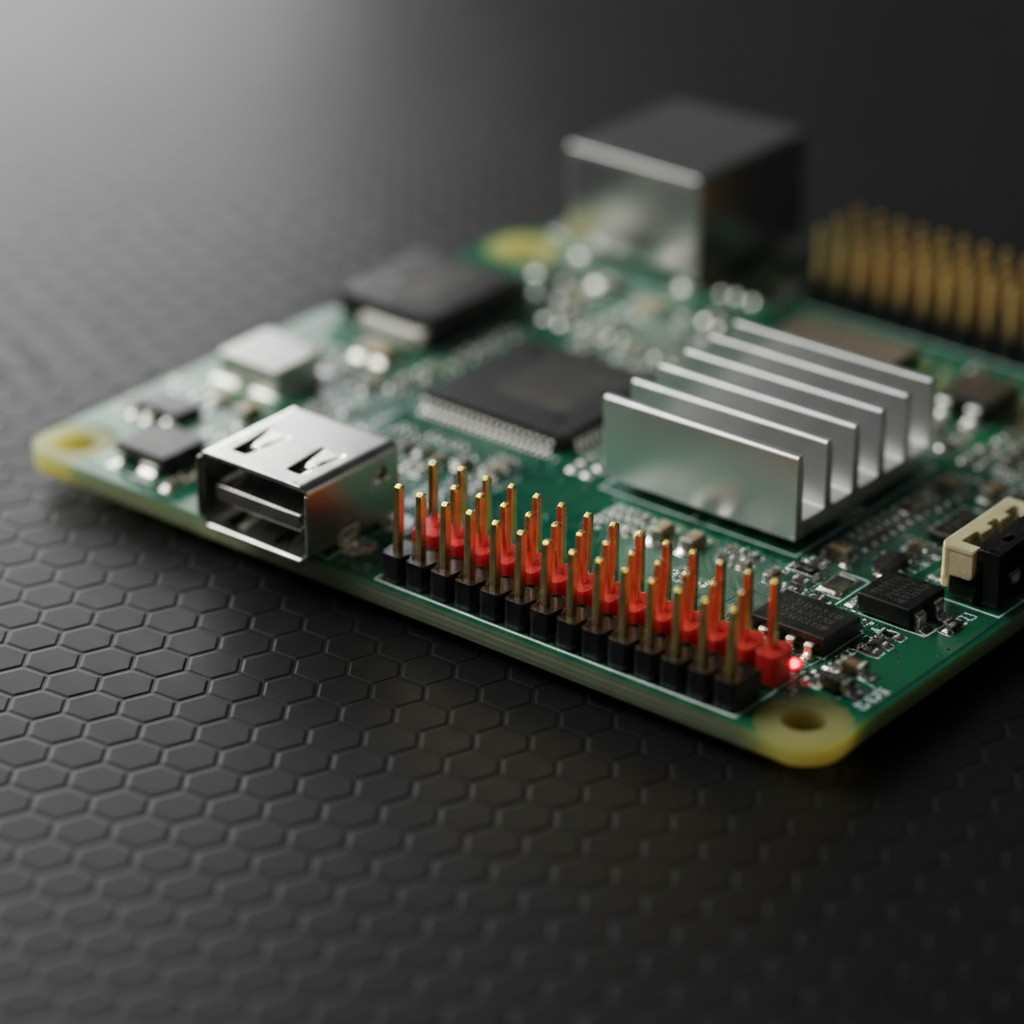
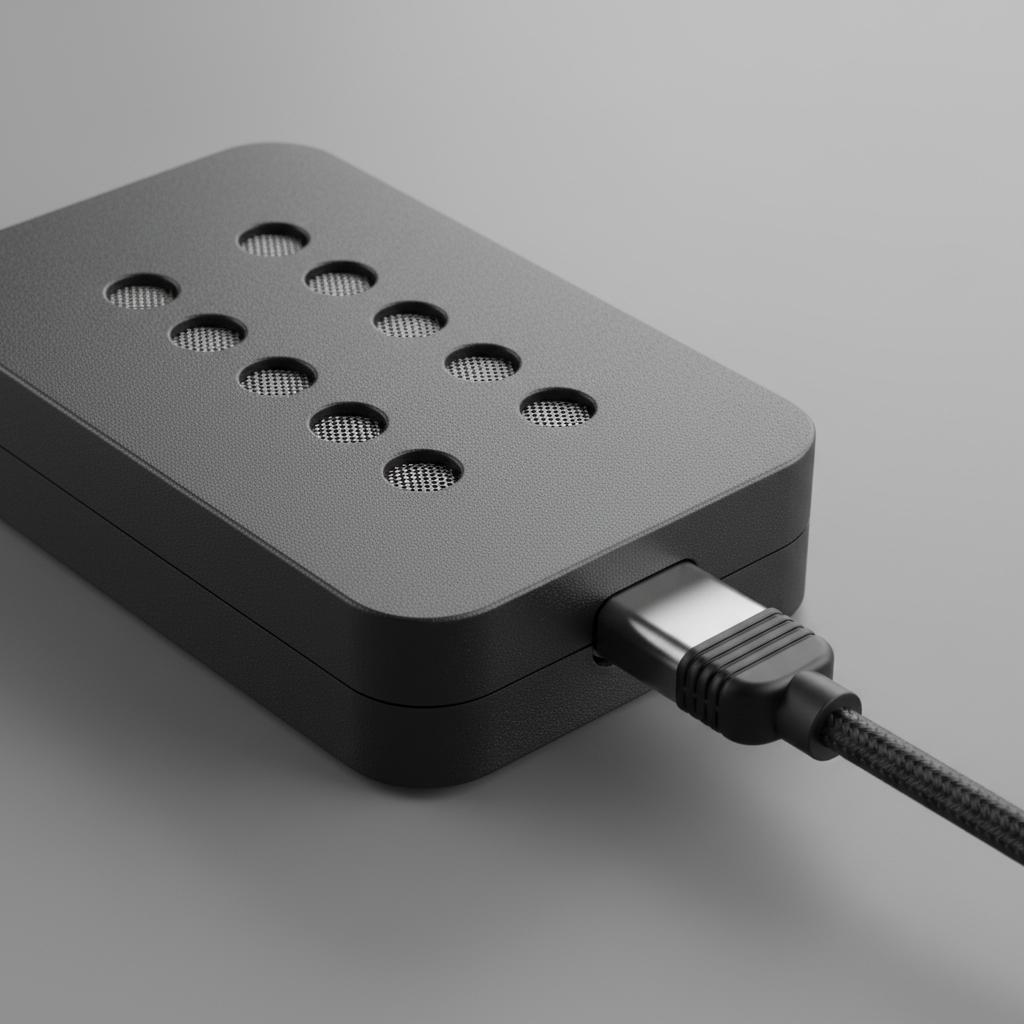
Here, budget matters more than raw horsepower. A Raspberry Pi 5 with 8 GB of RAM handles the wake-word and transcription steps comfortably. The language-model stage, however, benefits from a machine with a dedicated GPU, or else you’ll need to be patient with slower replies. A Home Assistant Green hub takes care of automation, and a USB microphone array or a repurposed flashed Echo Dot can serve as the microphone in each room.
If you have an older gaming PC with a mid-range GPU (think RTX 3060 class), you’ll notice a big jump in response speed compared with CPU-only inference. That’s the single biggest lever if voice replies feel sluggish once the pipeline is running. Still undecided on a hub? Our smart-home hub comparison walks you through the boxes that play nicely with this kind of local add-on.
A realistic budget for a single-room setup lands around $120: roughly $80 for the Raspberry Pi 5 board itself, plus $25 to $40 for a USB microphone array. Covering an entire house with three or four satellite microphones and a dedicated GPU box for faster inference runs $500 to $900 total, which still undercuts three to four years of an Alexa+ subscription at $19.99 a month.
Self-Hosted AI Assistant Options Compared
Not every self-hosted solution looks the same. Home Assistant’s Assist pipeline is built specifically for smart-home control. QwenPaw is a different beast: a general-purpose AI workstation that handles chat, scheduling, and messaging locally, with smart-home integration still sitting as an open community feature request rather than a finished plugin. The table below lines up the mainstream cloud options against the self-hosted route.
| Assistant | Where Processing Happens | Monthly Cost | Works Offline |
|---|---|---|---|
| Home Assistant Assist (self-hosted) | Your own hardware | $0 after setup | Yes |
| Amazon Alexa+ | Amazon’s cloud | Free with Prime, $19.99 otherwise | No |
| Google Gemini for Home | Google’s cloud, plus an on-device NPU for short replies | Free base tier | Partial |
| QwenPaw | Your own hardware or your own server | $0, open-source | Yes for general tasks, not yet for smart home control |
How Do You Install and Configure the Local Voice Pipeline?
Start by installing Home Assistant OS on the box you’ve chosen, either a Raspberry Pi 5 or a Home Assistant Green works fine. From Settings, add the Whisper and Piper add-ons directly from the Home Assistant add-on store, then install Ollama separately. You can run Ollama on the same machine if it has enough RAM, or on a second device on the same network.
Next, pull a small model into Ollama, something like qwen3:4b or llama3.2:3b, and point Home Assistant’s Assist settings at that Ollama instance as the conversation agent. Add a wake-word satellite (openWakeWord running on a cheap microphone board) in each room you want voice control, then test the full loop: say the wake word, ask it to turn off a light, and listen for a reply within a couple of seconds. If replies creep past four or five seconds, the bottleneck is usually the model, not the microphone; swapping to a smaller model or adding a GPU clears it up.
Is a Self-Hosted AI Assistant Worth the Effort?
If you already rely on local-first smart-home platforms, the answer is a resounding yes, the weekend-long setup pays for itself within a year of avoided subscription fees. If you just want voice control of lights without fiddling with config files, a $99.99 Google Home Speaker or a free-with-Prime Alexa+ subscription will feel less friction, and there’s no shame in taking the easier road.
Renters and anyone who dreads command-line work should think twice. The setup assumes comfort with SSH, config files, and occasional troubleshooting when an update breaks something. It’s not a dealbreaker, but it does represent a real time cost that a boxed speaker sidesteps entirely.
Many people settle on a hybrid: a self-hosted pipeline for the always-on, privacy-sensitive automations, and a commercial speaker for guests and casual queries. That way, locks, cameras, and alarms stay local, while cloud assistants handle music and trivia.
Common Pitfalls and Troubleshooting Tips
Most failures boil down to three things: an under-powered board trying to juggle both transcription and the language model, a wake-word engine picking up background noise in an open-plan kitchen, or a firewall blocking the Wyoming ports between devices. Pair a Matter-certified hub with a wired network connection for the box running Ollama rather than Wi-Fi, and you’ll resolve many of the laggy-reply complaints you see in Home Assistant’s community forums.
If you also run open-source security cameras on the same local network, keep the AI assistant’s model on a separate VLAN, or at least watch bandwidth closely, because simultaneous camera processing and voice inference on one under-powered box is a common cause of dropped commands.
Plan on periodic maintenance, too. Whisper, Piper, and the underlying language models get updated regularly, and skipping updates for months is the most common reason accuracy quietly degrades. Set a reminder to check the Home Assistant add-on store every few weeks, just like you would patch any other server on your network.
Frequently Asked Questions
Does a self-hosted AI assistant work without internet?
Yes. Once the wake-word engine, speech-to-text model, and local language model are installed, the entire voice loop runs without an internet connection. You only need connectivity for optional extras like live weather or traffic lookups.
Can I use Home Assistant’s local voice pipeline alongside Alexa or Google devices?
Absolutely. Many households run Home Assistant’s pipeline for core automations while keeping an Echo Dot or Google Home Speaker for music and general queries, since Home Assistant can still expose devices to those platforms if you want.
How much does it cost to run a self-hosted AI assistant?
Hardware is the only real cost. A Raspberry Pi 5 setup runs about $100 to $150 total, and a used mid-range GPU machine for faster inference typically lands between $300 and $600, with no monthly subscription afterward.
What is the Wyoming protocol?
Wyoming is the open, lightweight protocol Home Assistant uses to connect separate voice-processing services, like a wake-word listener and a transcription engine, over a local network, allowing each piece to be swapped independently.
Is QwenPaw a smart home assistant?
Not yet in a dedicated way. QwenPaw is a general-purpose, self-hosted AI agent workstation, and a Home Assistant integration is currently a community feature request rather than a built-in capability.
A self-hosted AI assistant won’t beat a $99.99 speaker for plug-and-play convenience, and it never pretends to. What it does offer is a voice pipeline that keeps working during an internet outage, answers only to your own terms of service, and stops costing money the day you finish setting it up.
Sources:
- Home Assistant, “Analytics: Integrations,” analytics.home-assistant.io/integrations
- Home Assistant, “Wyoming integration documentation,” home-assistant.io/integrations/wyoming
- Amazon, “How to get Alexa+ free with Prime membership,” 2026, aboutamazon.com
- Google, “Meet the new Google Home Speaker, built for Gemini,” 2026, blog.google
- How-To Geek, “Smart Home Privacy Takes a Blow as Amazon Kills Alexa Local Processing,” 2025, howtogeek.com
- AgentScope-AI, “QwenPaw” repository, GitHub, github.com/agentscope-ai/QwenPaw